4-Node Tetrahedral Element (TET4)
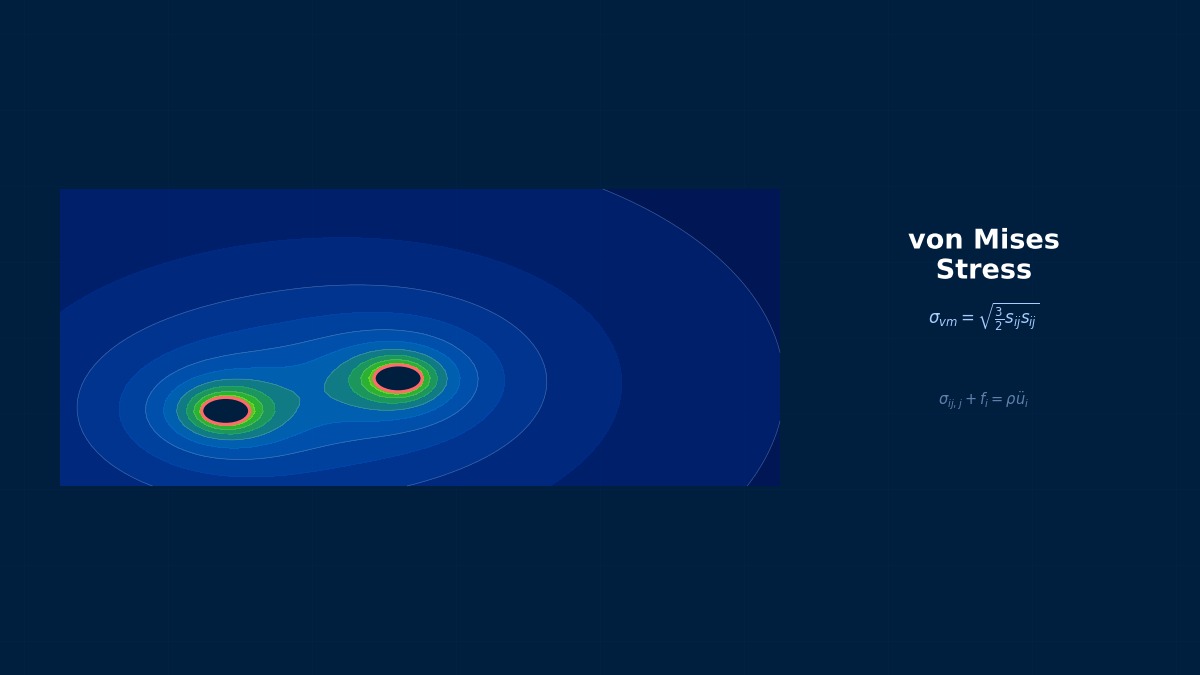
4-Node Tetrahedral Element (TET4): Theoretical Foundations
What is the TET4 Element?
Professor, is TET4 the most basic element for 3D analysis?
It is the most basic, but it is an element that should not be used in practical work. I'll say this upfront. I'll explain the reasons in detail later, but first, let's understand the theory.
A "do not use" declaration right from the start...?
Learning the theory of TET4 is important. It's the optimal element for understanding the fundamentals of FEM. However, if you want accurate results in practical work, you should use TET10.
Shape Function
TET4 is a tetrahedron with 4 nodes, each with 3 degrees of freedom ($u, v, w$). Total 12 DOF.
TET4 is a tetrahedron with 4 nodes, each with 3 degrees of freedom ($u, v, w$). Total 12 DOF.
The shape functions are expressed using volume coordinates (barycentric coordinates) $L_1, L_2, L_3, L_4$:
Displacement interpolation:
Since the shape functions are linear (first-order), the displacement also changes linearly within the element, right?
Correct. Displacement being linear means strain is constant within the element. This is the fatal weakness of TET4.
The Problem of Constant Strain
What's the problem with strain being constant?
In areas where stress changes rapidly (stress concentration zones, areas with bending stress gradients), it cannot represent stress variation at all.
For example, modeling a beam under bending with TET4:
- Theoretically, the top surface of the cross-section is in tension, the bottom in compression, with a linear distribution
- With TET4, stress is constant within each element, resulting only in a rough, stair-step approximation
- Extremely fine mesh is required to obtain accurate bending stress
With TET10 (quadratic element), strain varies linearly within the element, so it can represent bending.
Exactly. TET10 has 10 nodes with mid-side nodes on each edge and uses quadratic shape functions. Strain varies linearly within the element, allowing it to represent bending stress distribution within a single element.
TET4 Stiffness Matrix
The TET4 element stiffness matrix is 12×12. Since the B matrix is a constant matrix, it can be calculated in closed form without numerical integration:
$V_e$ is the element volume, $[B]$ is the strain-displacement matrix (constant), $[D]$ is the constitutive matrix.
Not needing numerical integration is an advantage, right?
It's fast to compute. However, due to its low accuracy, you ultimately need a finer mesh, which increases the DOF count and offsets the computational time advantage.
Quantitative Accuracy Comparison
Can you show the accuracy difference between TET4 and TET10 numerically?
Comparison of tip deflection of a cantilever beam ($L/h = 10$) with theoretical value:
| Element Type | Mesh | DOF | Deflection Error |
|---|---|---|---|
| TET4 | Coarse (100 elements) | 200 | -40% (underestimated) |
| TET4 | Medium (1,000 elements) | 1,500 | -15% |
| TET4 | Fine (10,000 elements) | 12,000 | -5% |
| TET10 | Coarse (100 elements) | 1,200 | -2% |
| TET10 | Medium (1,000 elements) | 9,000 | -0.3% |
The difference widens further for stress accuracy. Since TET4 stress is constant within an element, the peak stress concentration value converges very slowly to the theoretical value no matter how fine the mesh is.
When Should TET4 Be Used?
Is there any legitimate reason to use TET4?
Almost none. If forced to say:
- Explicit method impact analysis — TET4 has a simple mass matrix, which can be advantageous for the stable time increment in explicit methods (some LS-DYNA cases)
- Coupling with fluid mesh — When the CFD code is TET4-based, the structural side may also use TET4 for consistency
- Preprocessor constraints — Some old automatic mesh generators can only output TET4
However, all of these are "unavoidable circumstances," and if TET10 can be used, you should always use TET10.
Summary
Let me organize the theory of TET4.
Key points:
- 4 nodes, linear shape functions, constant strain within element — The most basic 3D element in FEM
- Low accuracy — Requires 5~10 times more DOF than TET10 to represent bending or stress concentration
- Not used in practice — TET10 is always superior as a replacement
- Optimal for theoretical learning — A textbook element for understanding FEM principles
- "Do not use TET4" is an FEM iron rule — Just knowing this dramatically improves analysis quality
It's interesting to learn it in order to understand the reason "not to use" it.
Knowing the limitations of TET4 is very important for understanding FEM accuracy. An engineer who can explain why TET4 is bad is an engineer who can use FEM correctly.
TET4 Linear Shape Functions and Constant Strain Characteristics
The 4-node tetrahedral element (TET4) has linear shape functions using volume coordinates L1 to L4, resulting in constant strain within the element (Constant Strain Tetrahedron, CST). The concept of triangular elements was presented by R. Courant in 1943, and Turner et al. extended it to 3D tetrahedra in 1956. As the simplest 3D solid element, it is easy to implement, but has the drawback of requiring a huge number of elements to reproduce bending or stress concentration due to its constant strain.
Computational Methods for the 4-Node Tetrahedral Element (TET4)
TET4 Implementation Details
Is TET4 implementation simpler compared to other elements?
It's the simplest. The B matrix is constant, so no numerical integration is needed. It's optimal as an introduction to FEM programming.
B Matrix Calculation
Calculate the gradient of volume coordinates from the coordinates of the 4 nodes $(x_i, y_i, z_i)$ and construct the B matrix. The TET4 B matrix is a 6×12 constant matrix:
Here $b_i, c_i, d_i$ are constants calculated from nodal coordinates. $V$ is the tetrahedron volume.
How do you calculate $V$?
From the coordinates of the 4 nodes:
If $V > 0$, the node order is correct (right-handed). If $V < 0$, the element is inverted.
Element Names by Solver
| Solver | Element Name | Notes |
|---|---|---|
| Nastran | CTETRA (4-node version) | PSOLID property |
| Abaqus |
Related Topics
Experience the theory firsthand with the interactive simulator for this field
All Simulators